Databasement Documentation
Welcome to the Databasement documentation!
Try it out! Explore the live demo to see Databasement in action.
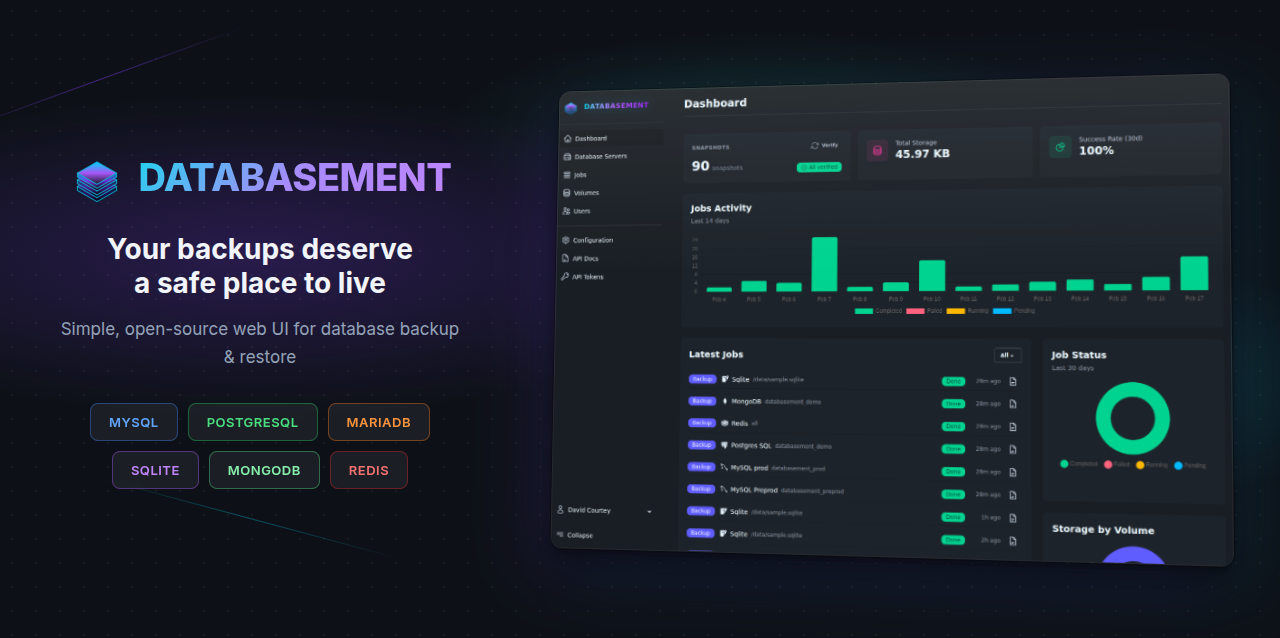
Databasement is a web application for managing database server backups. It allows you to register database servers (MySQL, PostgreSQL, MariaDB, MongoDB, SQLite, Redis/Valkey), test connections, schedule automated backups, and restore snapshots to any registered server.
Features
- Multi-database support: Manage MySQL, PostgreSQL, MariaDB, MongoDB, SQLite, and Redis/Valkey servers
- SSH tunnel support: Connect to databases in private networks through a bastion/jump server
- Automated backups: Schedule recurring backups with customizable retention
- Storage volumes: Store backups locally, on S3-compatible storage, or via SFTP/FTP
- Cross-server restore: Restore snapshots from one server to another
- Failure notifications: Get alerted via Email, Slack, Discord, Telegram, Pushover, Gotify, or Webhook when jobs fail
- User management: Multi-user support with two-factor authentication
- Automation: REST API and MCP server for scripting, CI/CD, and AI assistant integration
- Simple deployment: Single container with built-in web server, queue worker, and scheduler
Quick Start
# Run the container
docker run -d \
  --name databasement \
  -p 2226:2226 \
  -e DB_CONNECTION=sqlite \
  -e DB_DATABASE=/data/database.sqlite \
  -e ENABLE_QUEUE_WORKER=true \
  -v ./databasement-data:/data \
  davidcrty/databasement:1
Open http://localhost:2226 and create your first admin account.
Note: The container automatically handles volume permissions. You can use
PUIDandPGIDenvironment variables to match your system's user/group IDs.
Documentation Sections
Self-Hosting
Learn how to deploy Databasement on your own infrastructure:
- Introduction - Overview and requirements
- Configuration - Environment variables reference
- Docker Guide - Deploy with Docker
- Docker Compose Guide - Deploy with Docker Compose
- Kubernetes + Helm - Deploy on Kubernetes
- Native Ubuntu - Traditional installation without Docker
User Guide
Learn how to use Databasement:
- Getting Started - First steps after installation
- Database Servers - Managing database connections
- Backups - Creating and managing backups
- Snapshots - Working with backup snapshots
- Storage Volumes - Configuring backup storage
Contributing
Want to contribute to Databasement?
- Development Guide - Set up a local development environment