Databasement Documentation
Welcome to the Databasement documentation!
Try it out! Explore the live demo to see Databasement in action.
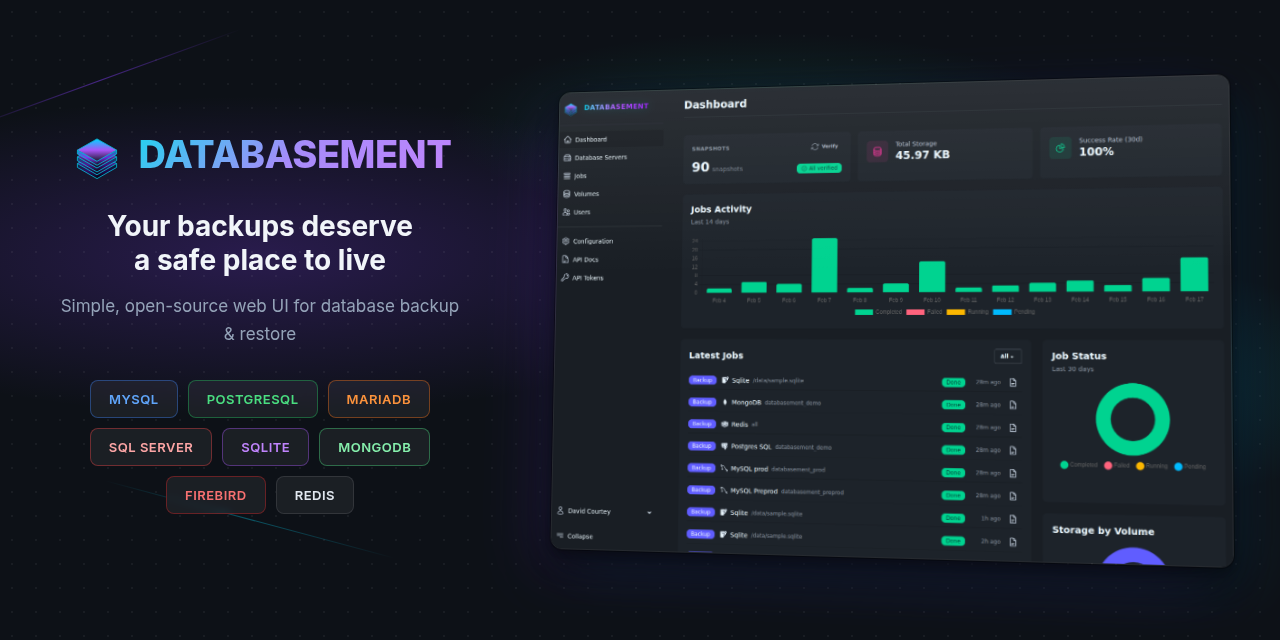
Databasement is a web application for managing database server backups. It allows you to register database servers (MySQL, PostgreSQL, MariaDB, Microsoft SQL Server, MongoDB, SQLite, Firebird, Redis/Valkey), test connections, schedule automated backups, and restore snapshots to any registered server.
Features
- Multi-database support: Manage MySQL, PostgreSQL, MariaDB, Microsoft SQL Server, MongoDB, SQLite, Firebird, and Redis/Valkey servers
- SSH tunnel support: Connect to databases in private networks through a bastion/jump server
- Automated backups: Schedule recurring backups with customizable retention
- Storage volumes: Store backups locally, on S3-compatible storage, Azure Blob Storage, Samba/SMB shares, or via SFTP/FTP
- Cross-server restore: Restore snapshots from one server to another
- Failure notifications: Get alerted via Email, Slack, Discord, Telegram, Pushover, Gotify, or Webhook when jobs fail
- User management: Multi-user support with two-factor authentication
- Automation: REST API and MCP server for scripting, CI/CD, and AI assistant integration
- Simple deployment: Single container with built-in web server, queue worker, and scheduler
Quick Start
# Run the container
docker run -d \
  --name databasement \
  -p 2226:2226 \
  -e DB_CONNECTION=sqlite \
  -e DB_DATABASE=/data/database.sqlite \
  -e ENABLE_QUEUE_WORKER=true \
  -v ./databasement-data:/data \
  davidcrty/databasement:1
Open http://localhost:2226 and create your first admin account.
Note: The container automatically handles volume permissions. You can use
PUIDandPGIDenvironment variables to match your system's user/group IDs.
Documentation Sections
Self-Hosting
Deploy and configure Databasement on your own infrastructure:
- Introduction: overview and requirements
- Configuration: environment variables for the application, backups, notifications and SSO
- Docker: run the single container
- Docker Compose: run it with its own database container
- Kubernetes + Helm: deploy with the Helm chart
- Versioning: release versions and image tags
- Native Ubuntu Installation: install without Docker
- Migrate to 1.10: queue worker change for Docker Compose installs
User Guide
Back up, restore and manage your databases:
- Introduction: first steps after installation
- Database Servers: register and test database connections
- SSH Tunnel: reach databases through a bastion host
- Remote Agents: back up private databases without opening inbound ports
- Backups: schedule backups and set retention
- Snapshots: browse, download and restore snapshots
- Storage Volumes: choose where backups are stored
- Organizations: separate teams and their resources
- Permissions: roles and abilities
- MCP Server: manage backups from an AI assistant
- REST API: automate backups from scripts and CI/CD
Contributing
- Development Guide: set up a local development environment